Discover
By genre, by city, or the most listened. Tap a card and it plays.
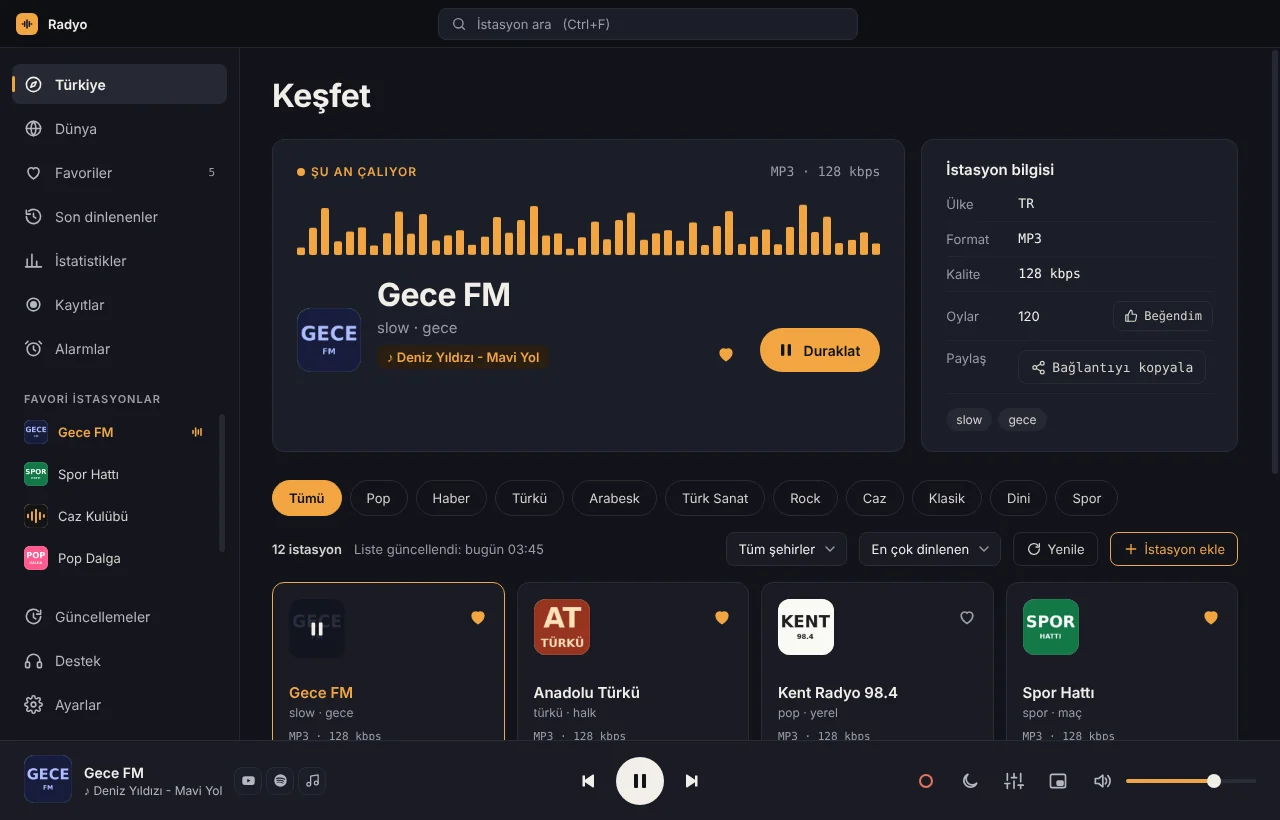
Every radio station in Turkey.
Thousands more from around the world.
The song title, right on screen.
All free.
By genre, by city, or the most listened. Tap a card and it plays.
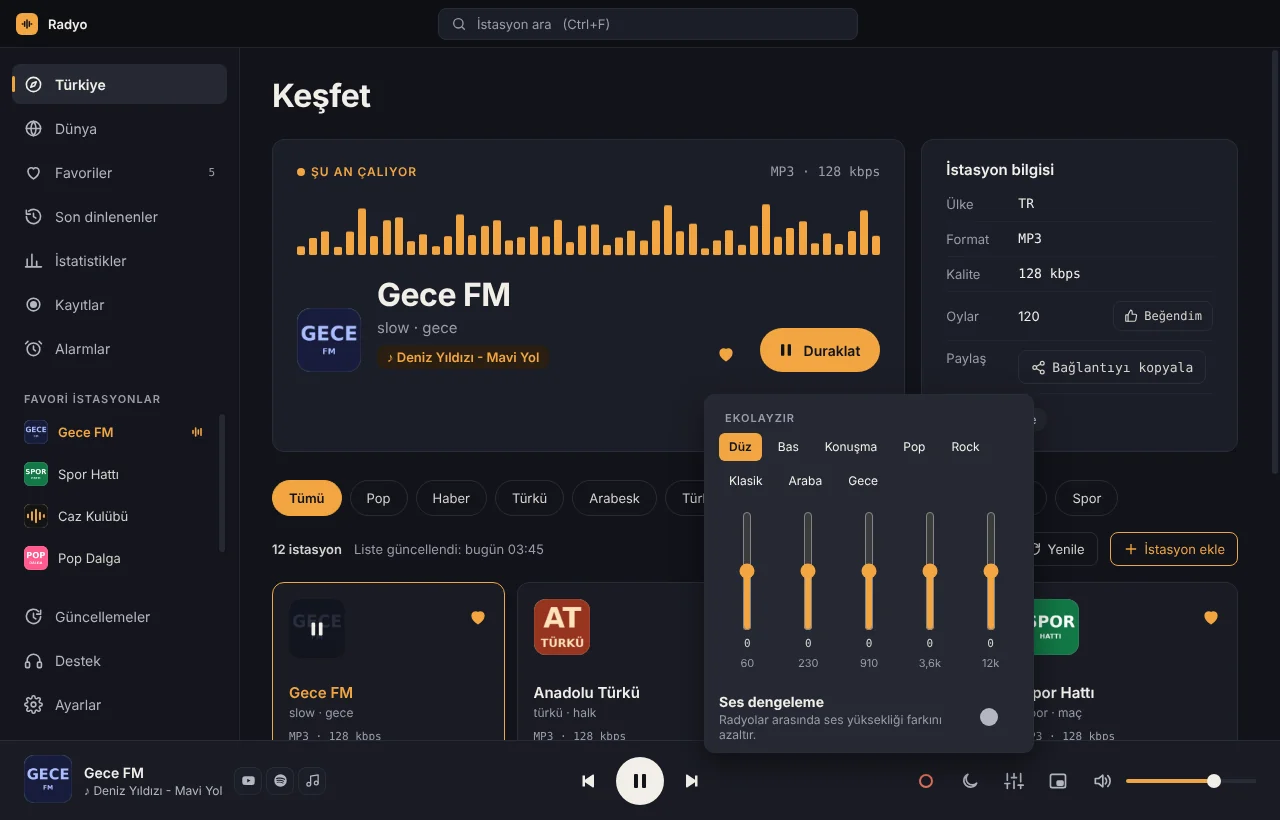
Presets like Bass, Speech and Car. Volume doesn’t jump when you switch stations.
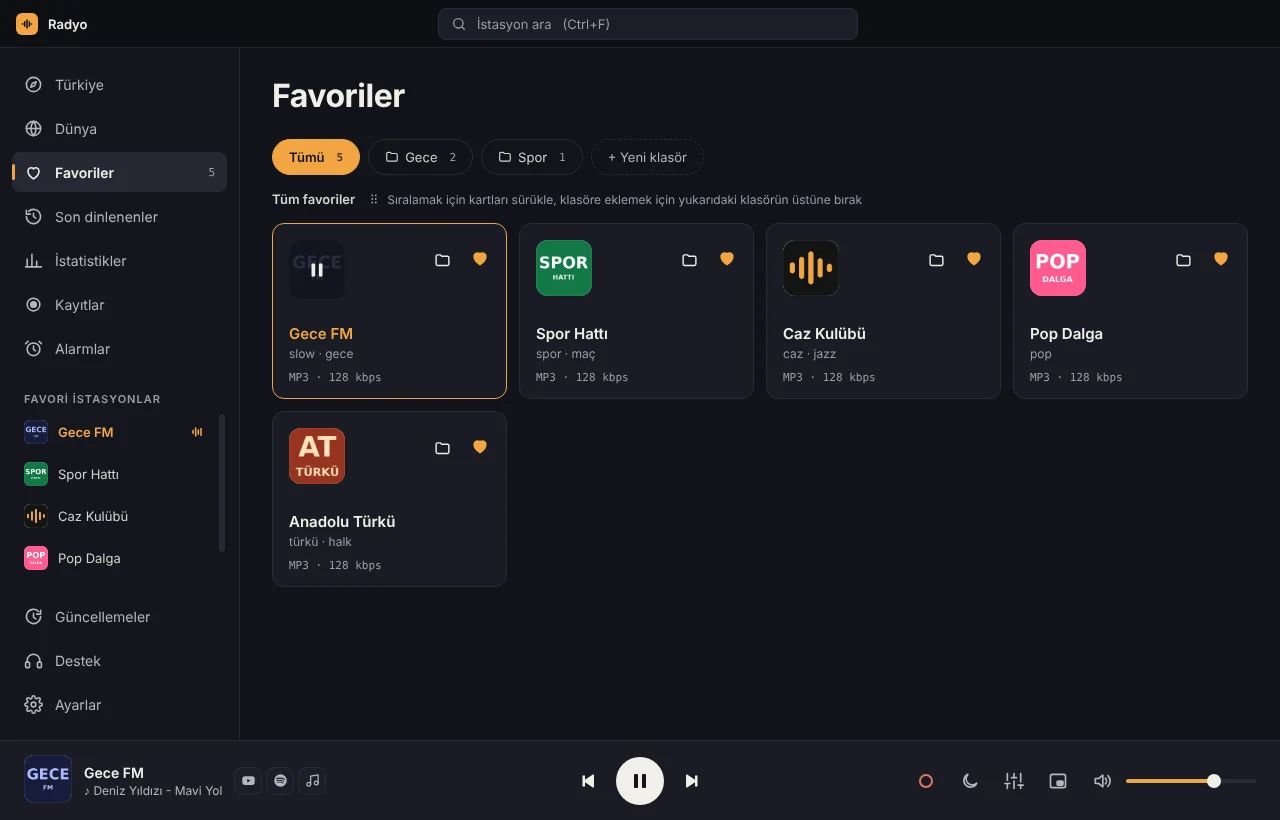
Sort stations into folders, reorder by dragging, sync between computers.
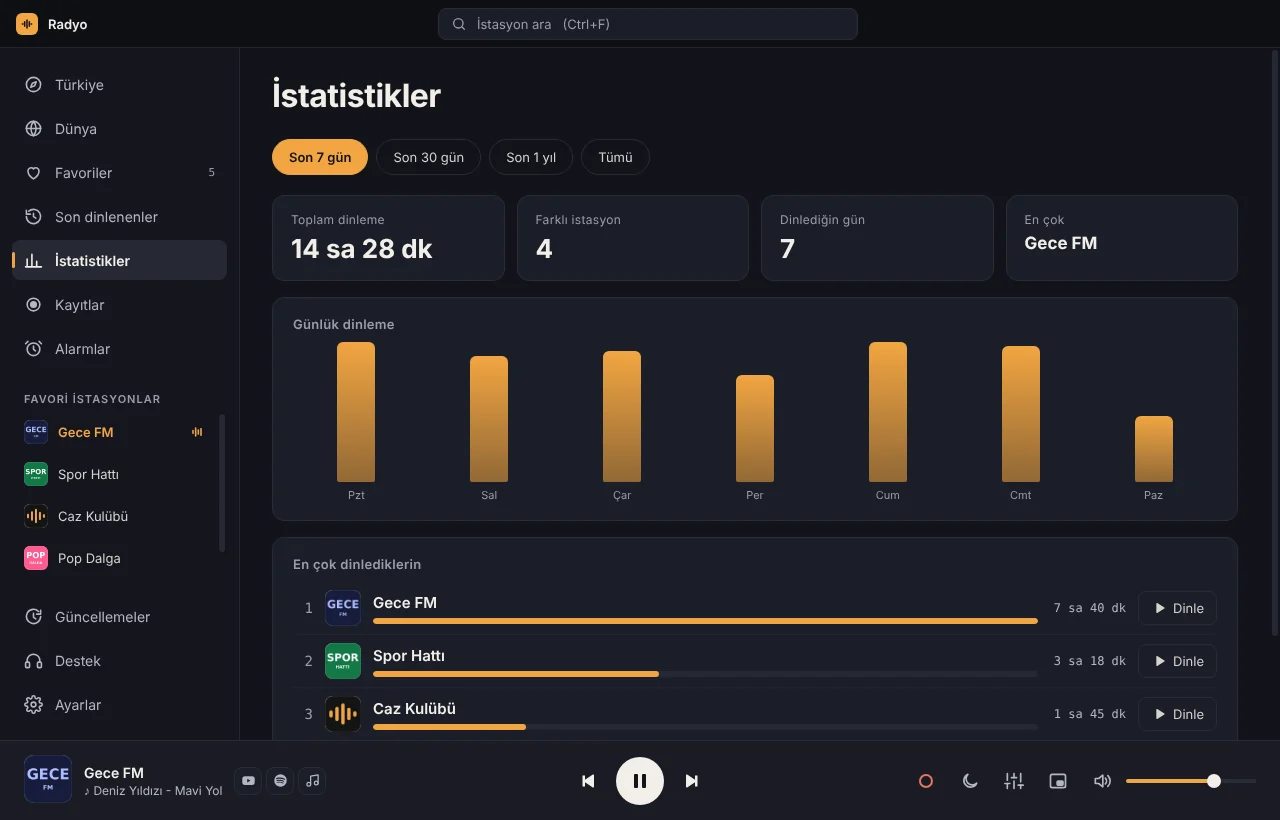
What you listen to, and how much. All calculated on your computer, never sent anywhere.
The song title on screen; open it on YouTube or Spotify in one click. Recent songs are kept too.
Record a broadcast, schedule recordings, or wake up to the radio.
Close the window and it keeps playing next to the clock. Mini player and shortcuts.
Dark and light themes. Follows your Windows setting automatically.
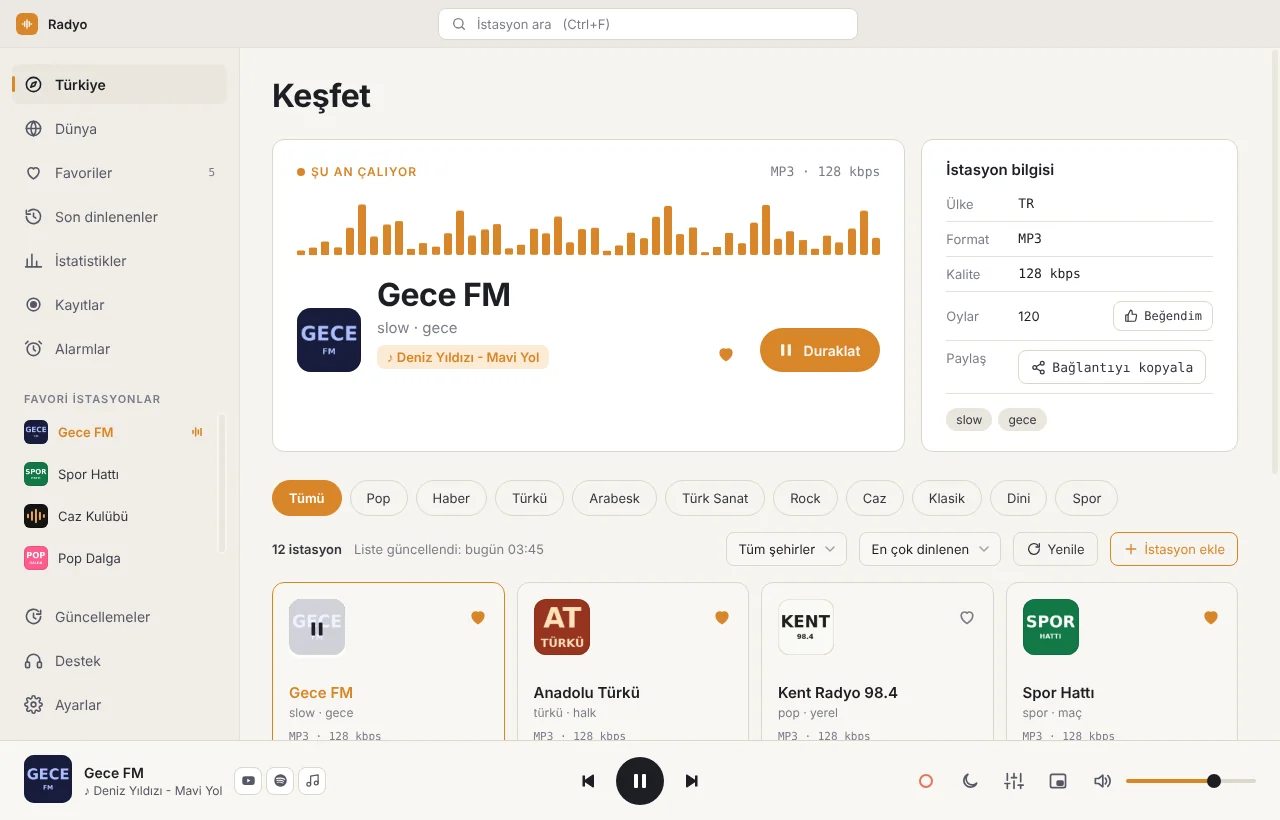
One tap away in Discover.
Coming soon
OA Radyo is coming to Android. We’ll let you know when it’s out.
No subscription, no hidden costs.
We never add ads of our own.
No account needed. Download, open, listen.

Get Radyo-Setup.exe with the button above.
Open the file. If Windows shows a warning, choose “More info”, then “Run anyway”.
OA Radyo opens and downloads the station list by itself. Click a card.
No. OA Radyo is completely free and ad-free. Ads in the stations’ own broadcasts are part of the broadcast.
The app isn’t digitally signed yet, so Windows may say “Windows protected your PC” the first time. Choose “More info”, then “Run anyway”.
From the free, volunteer-run Radio Browser database.
Use “Add by stream URL” in the app, or write to destek@oalabs.dev and we’ll add it.
When a new version is out, the app tells you; just press “Restart and update”.